

System requirements
Minimum
- Windows 7 or later (Windows 10 is recommended; recent Go versions need Windows 10 or newer).
- 200 MB of free disk space.
Recommended
- A multi-core processor (2 GHz or more).
- 4 GB of RAM or more.
- 1 GB or more of free disk space, ideally on an SSD.
Step 1: Download Go
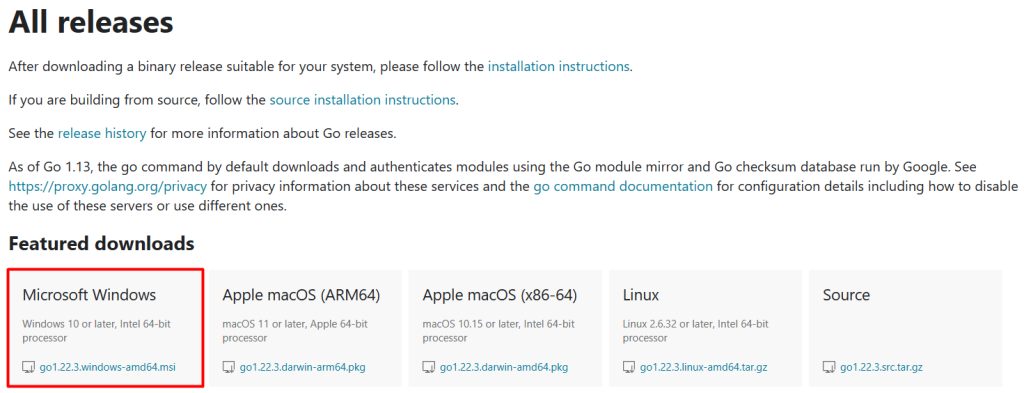
Open the official Go download page (go.dev/dl) and download the Windows installer (the .msi file).
Step 2: Run the installer
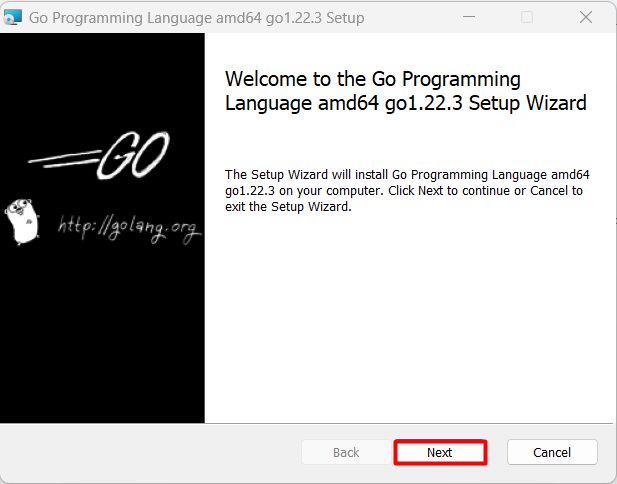
Open the .msi file.
Welcome screen. Click Next.
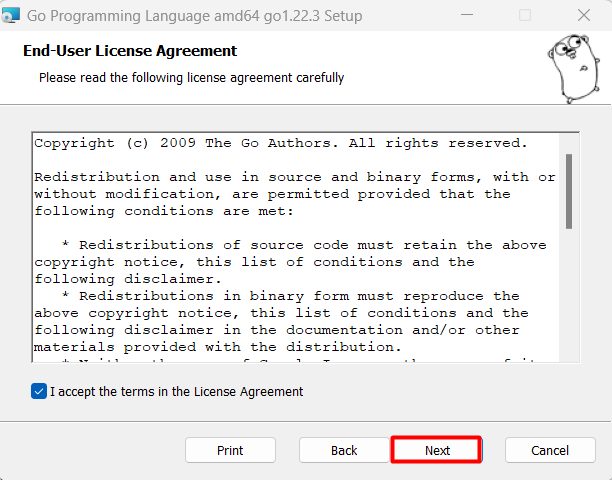
License. Accept the license agreement.
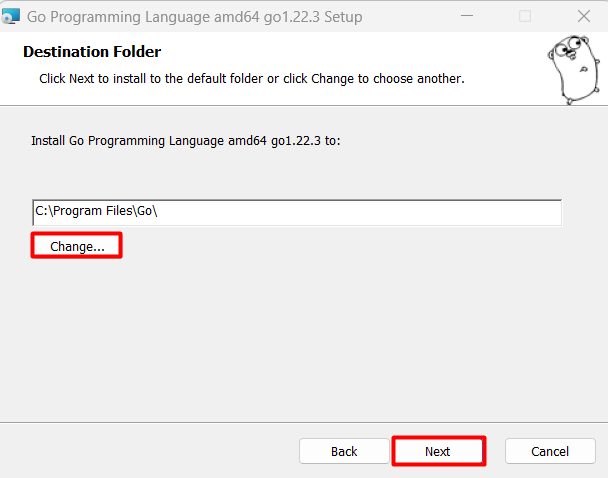
Destination folder. The default is C:\Program Files\Go. Keep it.
Install. Click Install, then Finish.
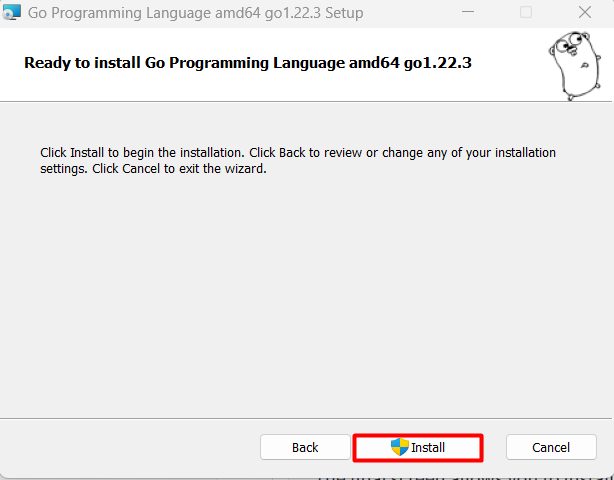
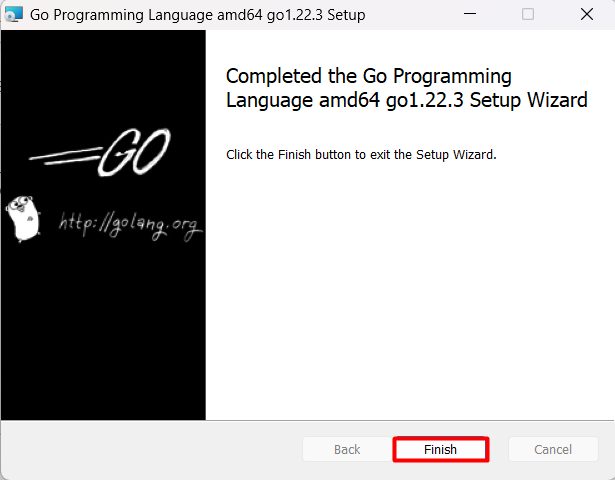
The installer adds Go to the PATH for you.
Step 3: Check Go
Open a new Command Prompt:
go version
If the command is not found, check the PATH: it must include C:\Program Files\Go\bin.
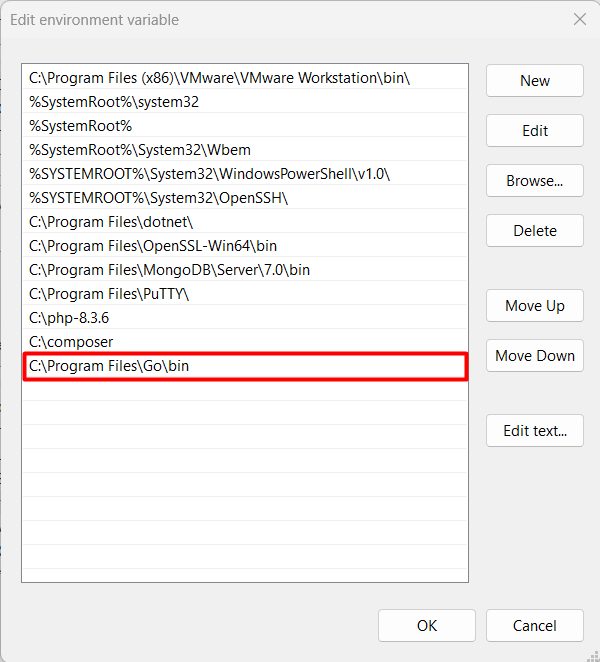
Set up your work environment
- Editor or IDE. Visual Studio Code with the Go extension, or GoLand.
- Git. Needed to fetch Go packages from repositories.
A first program
Create a folder and a file main.go:
package main

import "fmt"

func main() {
    fmt.Println("Hello, Go!")
}
Initialize a module and run it:
go mod init hello
go run main.go
Quick recap
- Download and run the
.msiinstaller. - Check with
go versionin a new window. - Use
go runto run your code.