

System requirements
Hardware
- A processor (Intel Pentium or compatible).
- 512 MB of RAM (1 GB or more is better).
- 500 MB of disk space (1 GB or more is better).
Windows
- Windows 7, 8, 10 or 11 (32-bit or 64-bit).
Note: You can use ActiveState Perl or other Perl packages on Windows. Strawberry Perl is a popular and free choice.
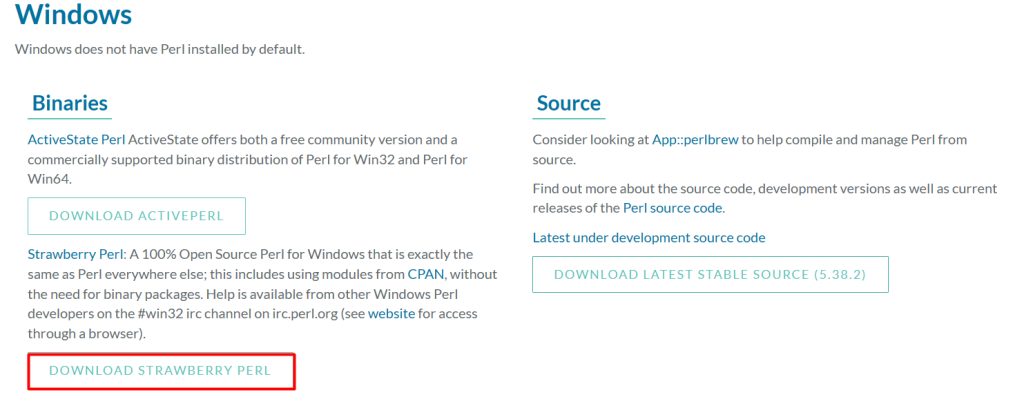
Download Strawberry Perl
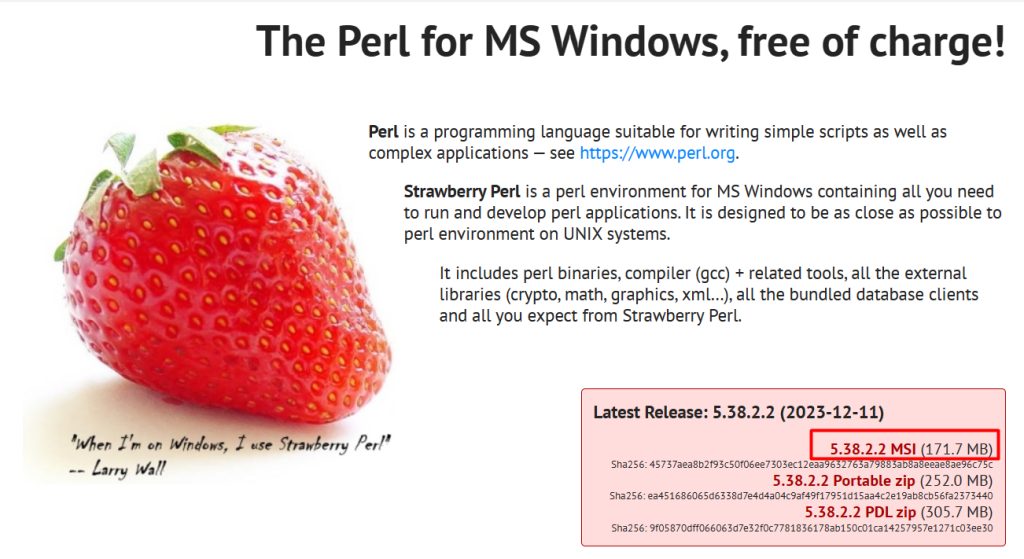
Open the Strawberry Perl website (strawberryperl.com) and download the installer (.msi) for your system, 64-bit in most cases.
Why Strawberry Perl
- It is free and open source.
- It includes a compiler (MinGW), so you can install CPAN modules that need to be built.
- It is easy to install and use.
What it includes
- The Perl interpreter.
- Documentation.
- Modules, including the CPAN client for installing more.
- Development tools, such as a compiler and a debugger.
Install
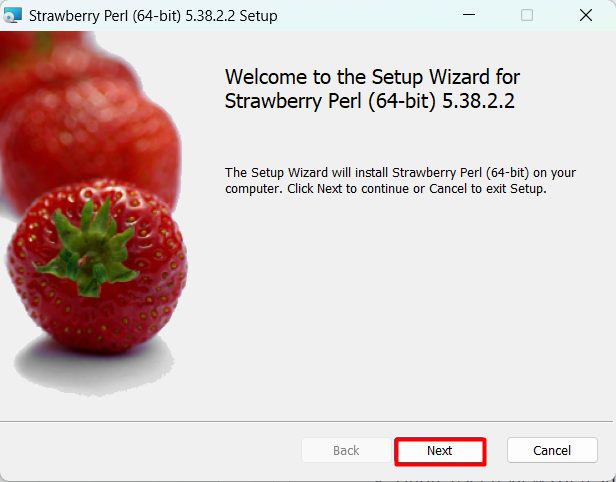
- Run the
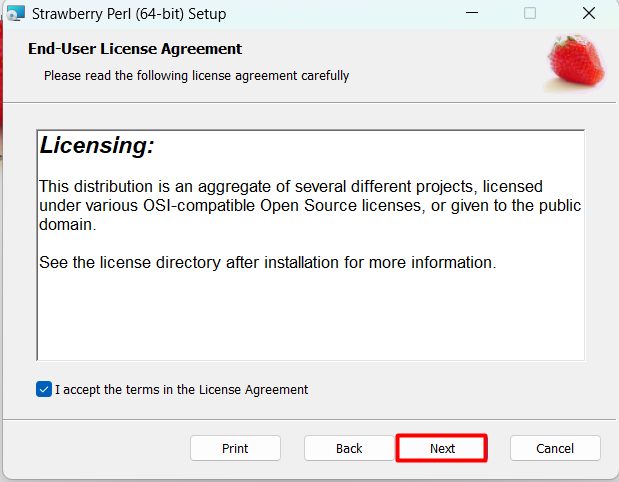
.msifile and click Next. - Accept the license agreement.
- Choose the install folder (the default is
C:\Strawberry).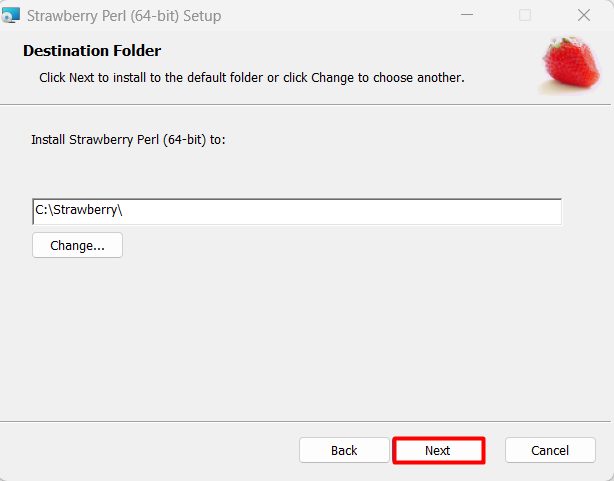
- Click Install and wait.
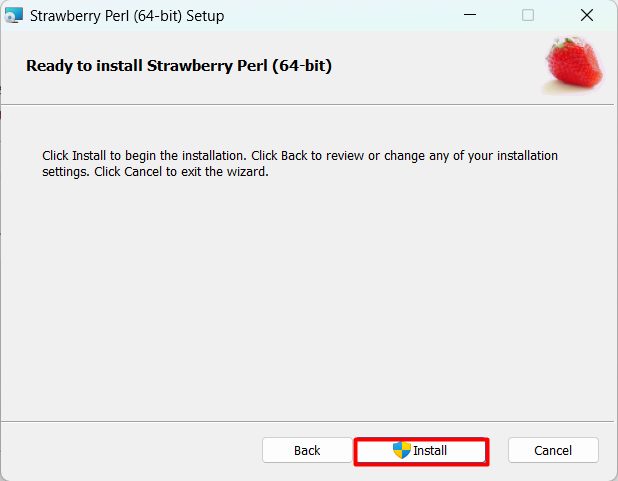
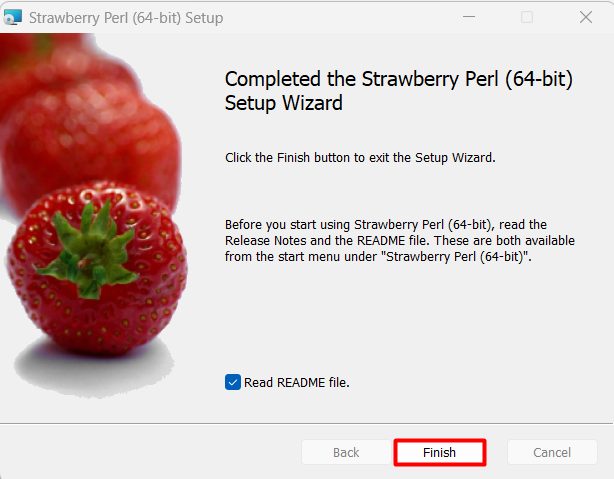
- Click Finish.
The installer adds Perl to the PATH.
Check the install
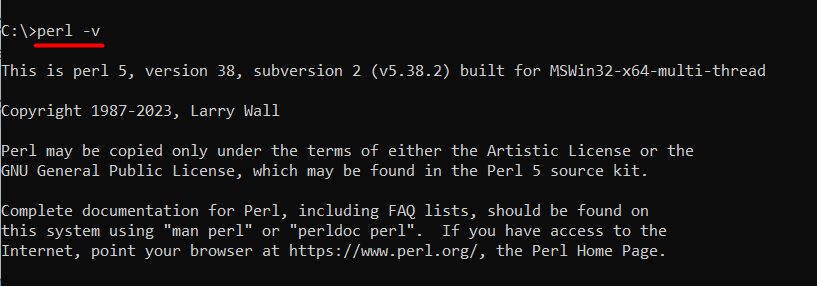
Open a new Command Prompt:
perl -vRun a first script
Create hello.pl:
print "Hello, Perl!\n";Run it:
perl hello.plInstall a CPAN module
cpan install Text::CSVQuick recap
- Download Strawberry Perl and run the installer.
- Check with
perl -v. - Install modules with
cpan.