

What Postman is
Postman is a tool to build, test and document APIs.
- It has a friendly interface to build and send requests.
- It supports teamwork. You can share API collections and environments.
- It has strong testing tools. You can send requests, check the answers and write automated tests.
- It keeps all your API work in one place.
Download
- Open the official Postman download page.
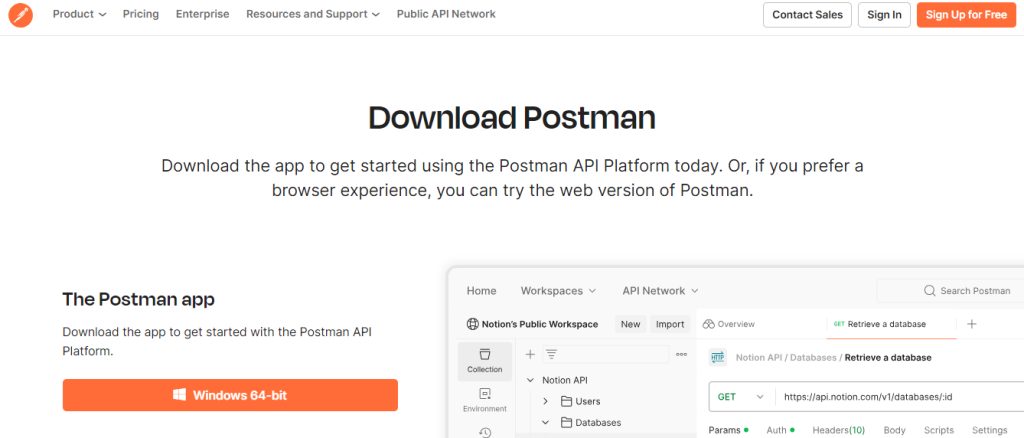
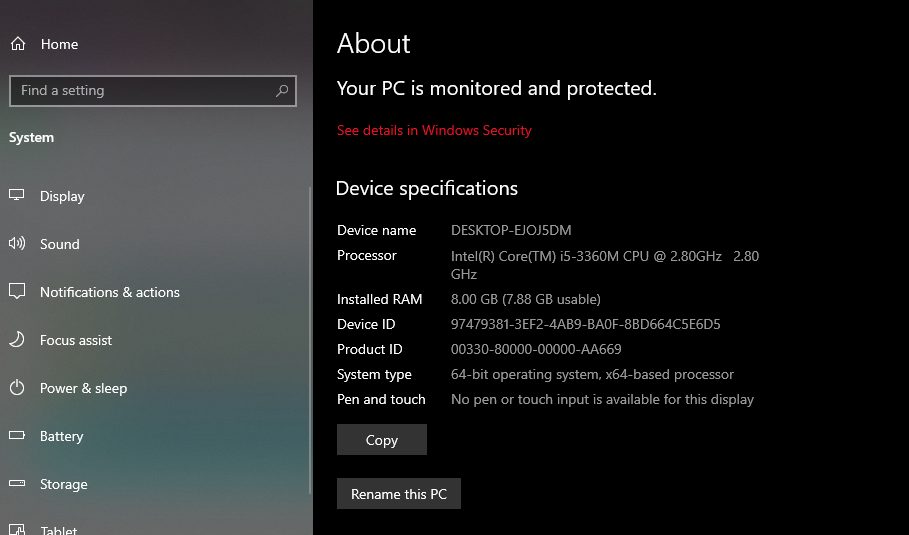
- Choose your platform. For most PCs, pick the Windows 64-bit version.
Install
- Open your Downloads folder.
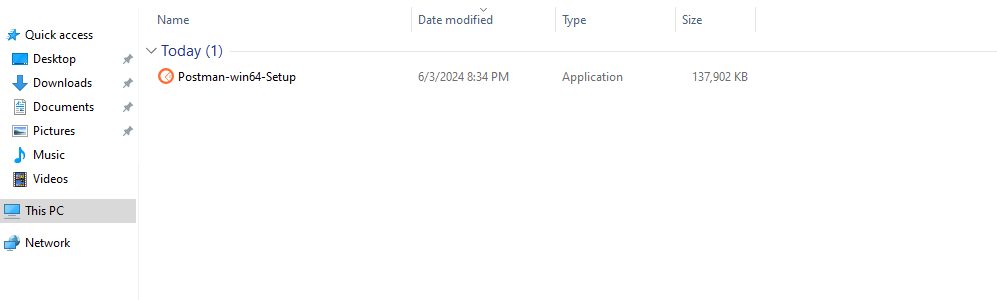
- Double-click the installer.
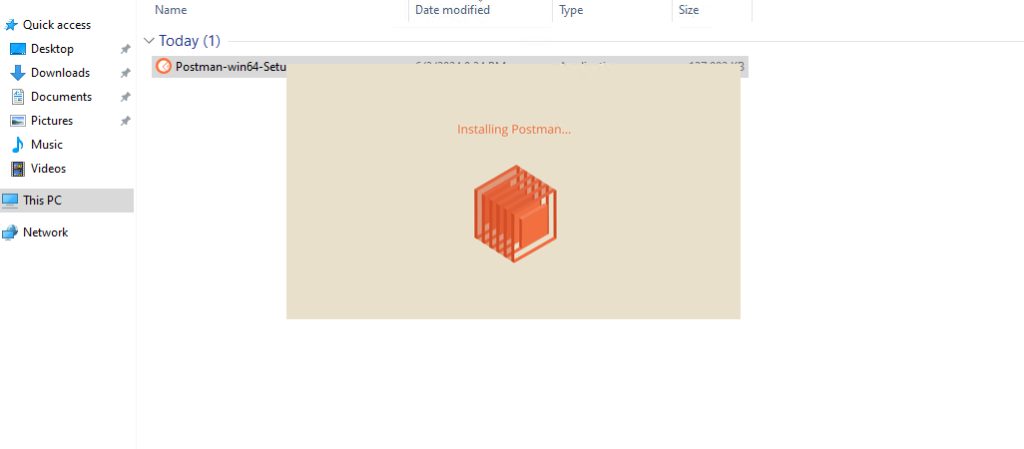
- The install starts by itself and takes a short time.
- When it ends, Postman opens.
First start
- Postman asks you to sign in or create an account. A free account lets you save and sync your work. You can also choose to use the lightweight view without an account.
- The workspace opens.
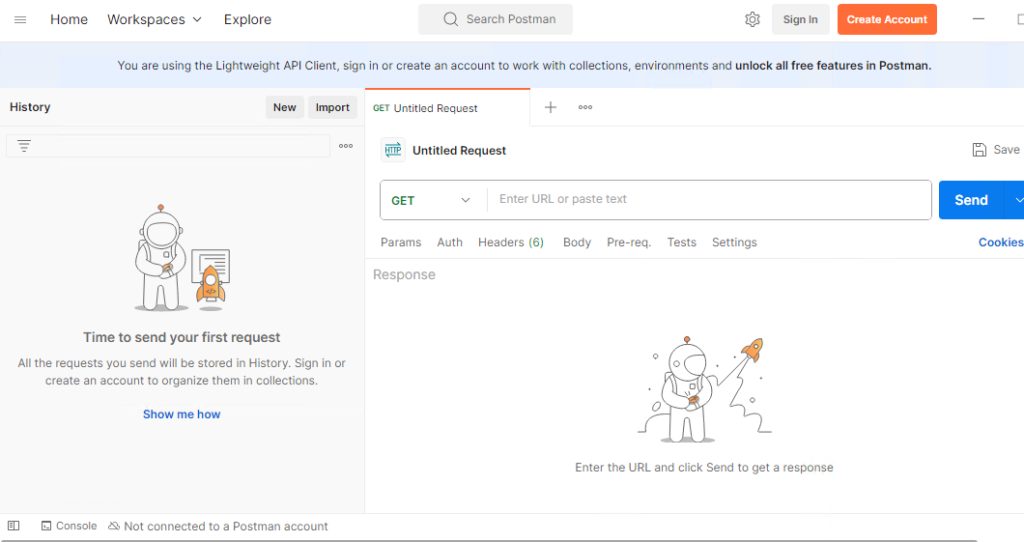
Send a request
- Click + to open a new request tab.
- Choose the method (
GET) and enter an address, for examplehttps://jsonplaceholder.typicode.com/posts/1. - Click Send. The answer, status code and time show in the lower part.
Tips
- Save requests in Collections.
- Use Environments for values such as the base URL and tokens.
- Keep Postman updated from Settings, then Update.
Quick recap
- Download the 64-bit installer from the Postman site and run it.
- Sign in or skip.
- Send a request with Send.