

Method 1: The Microsoft Store
- Click the Start menu and search for Microsoft Store.
- In the Store, search for
Python. Several versions appear. - Choose the version you want. The latest one is usually best, unless your project needs another.
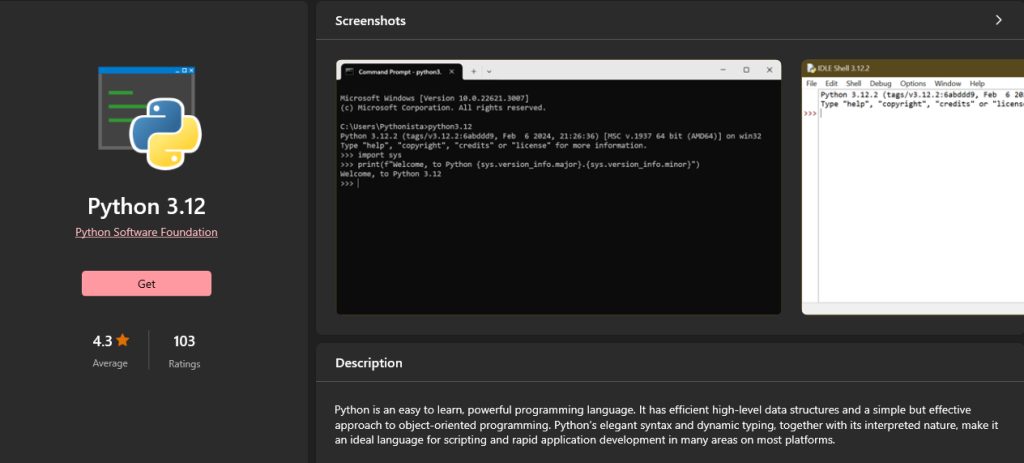
- Click Get. The Store downloads and installs Python. This takes a few minutes.
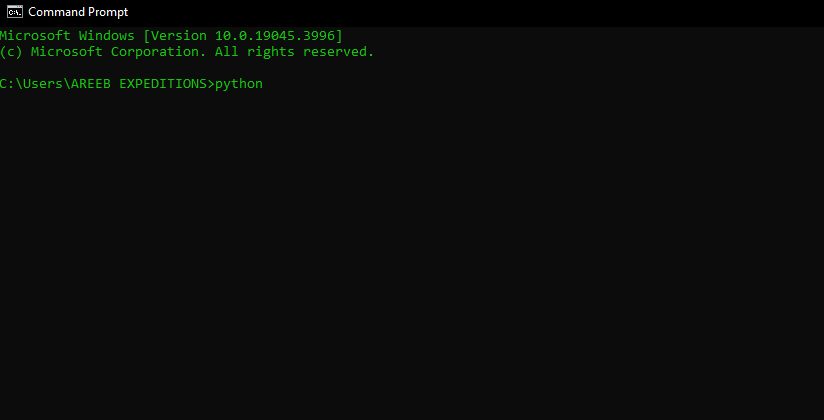
- When it ends, open Command Prompt and check:
python --version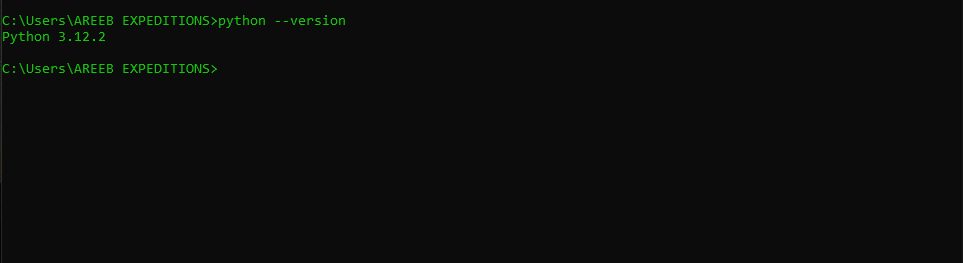
The Store version sets the PATH for you.
Method 2: The official website
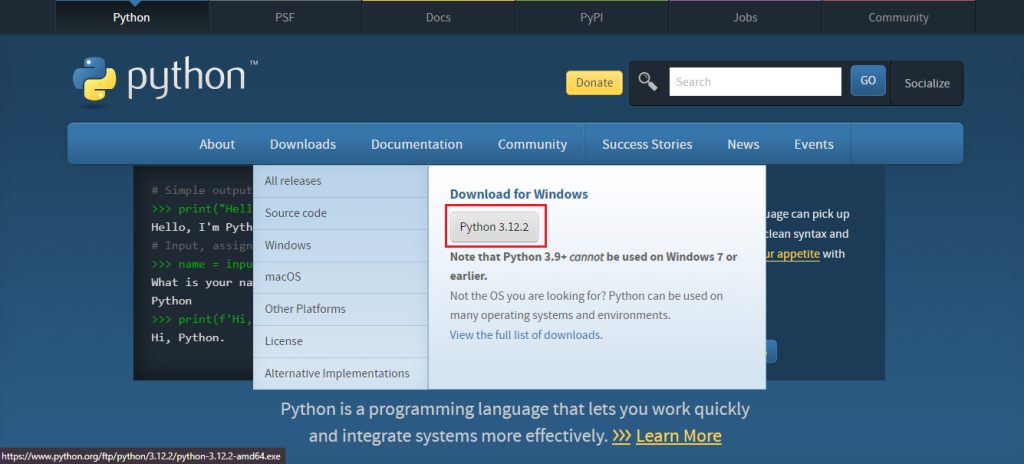
- Open your browser and go to
python.org.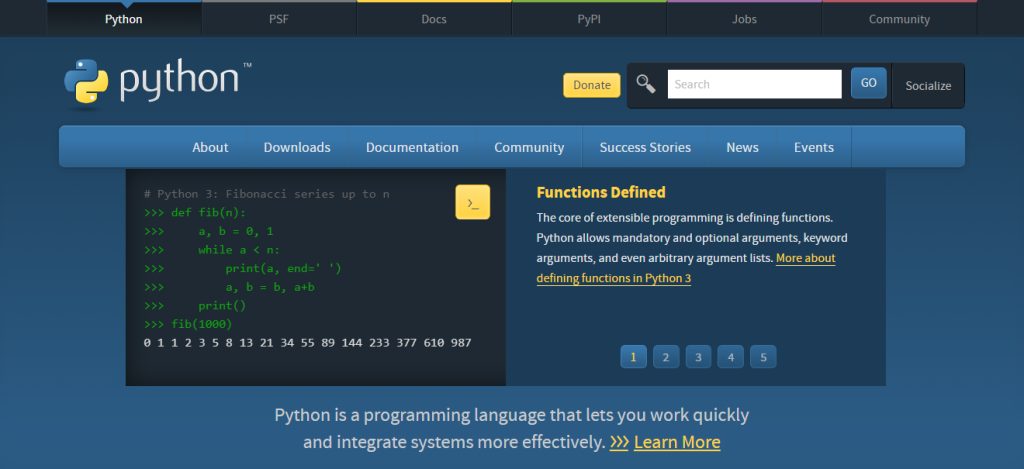
- Hover over Downloads. It shows the latest stable release for Windows. Click the download button for the installer.
- Open the downloaded
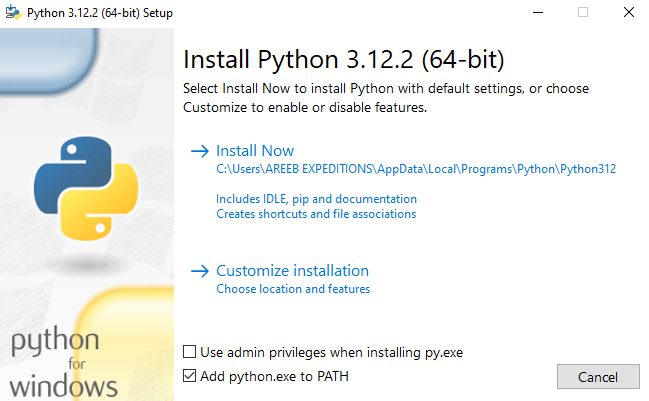
.exefile. - On the first screen, tick "Add python.exe to PATH". Then click Install Now (or Customize installation to choose features and the folder).
- Wait, then click Close.
Understand the PATH
The PATH is a list of folders where Windows looks for programs when you type a command. If Python is not in the PATH, python is not recognized.
To add it by hand:
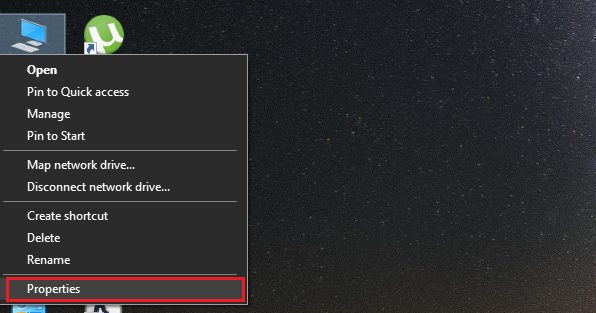
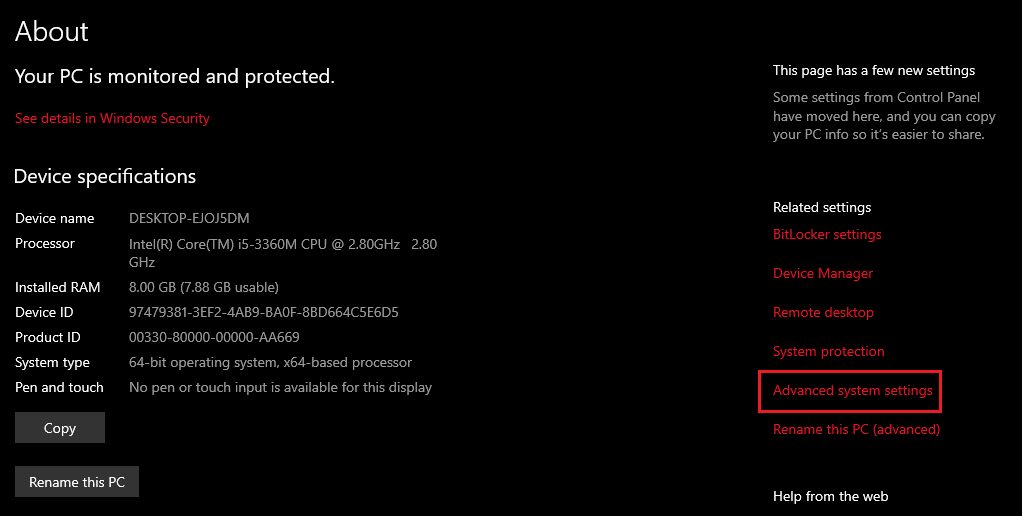
- Search for environment variables and open Edit the system environment variables.
- Click Environment Variables.
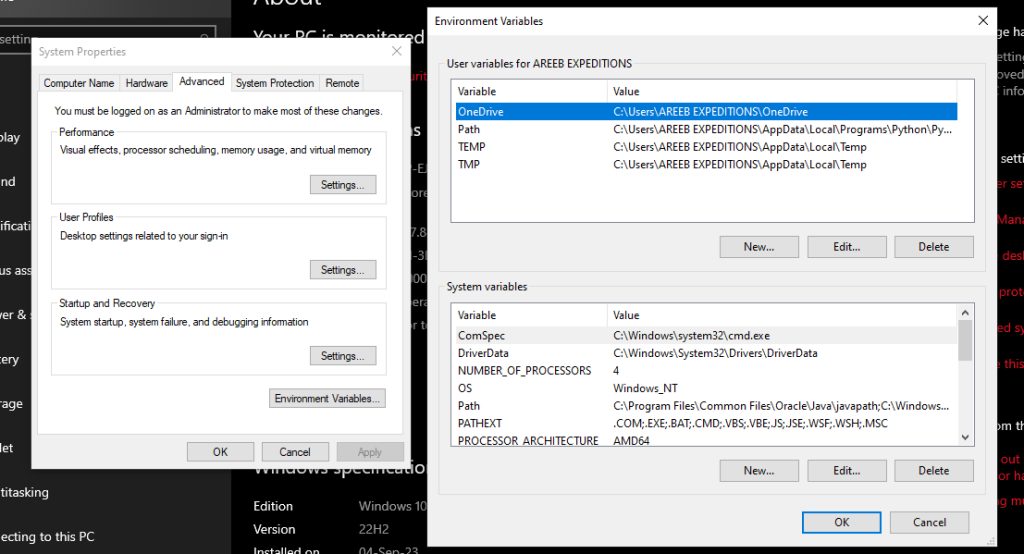
- Select Path (user or system) and click Edit. Click New and add the Python folder and its
Scriptsfolder, for example:
C:\Users\YourName\AppData\Local\Programs\Python\Python312\
C:\Users\YourName\AppData\Local\Programs\Python\Python312\Scripts\- Click OK in all windows and open a new Command Prompt.
Check
python --version
pip --version
Run a script
Create hello.py:
print("Hello, Python!")Run it:
python hello.pyQuick recap
- The Microsoft Store is the easy way.
- From python.org, tick Add python.exe to PATH.
- Check with
python --versionin a new window.