

Before you start
RubyMine needs Ruby on your computer. Install it first with RubyInstaller (see our guide on Ruby for Windows).
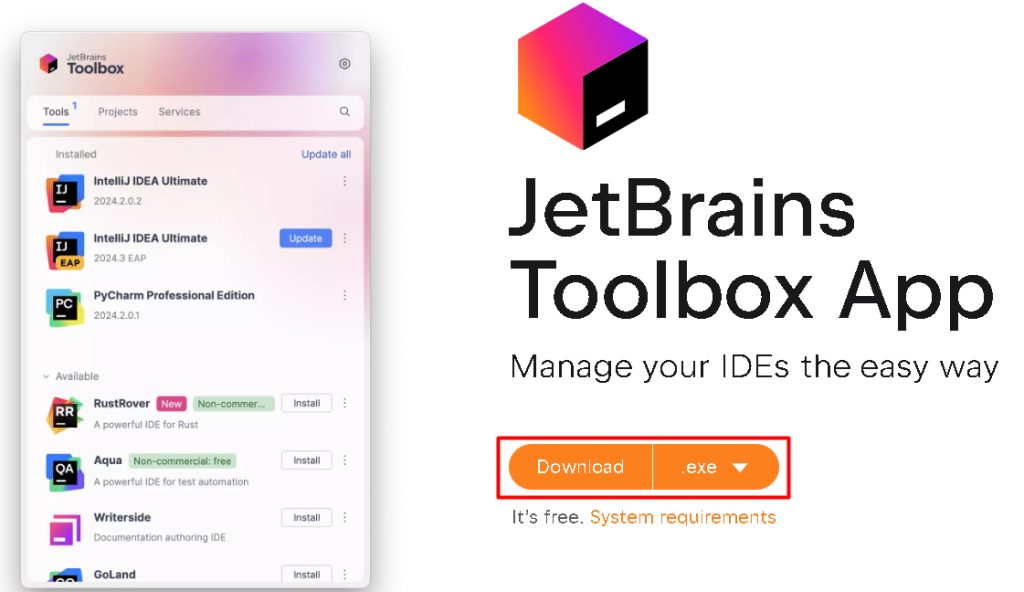
Step 1: Download the JetBrains Toolbox App
Download the Toolbox App from the JetBrains website and install it.
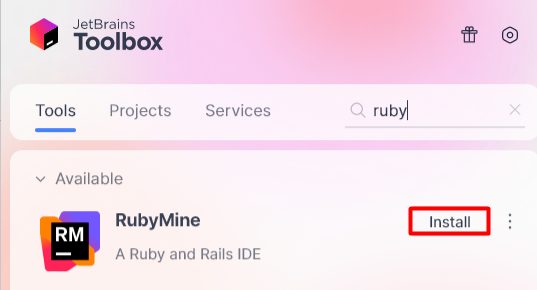
Step 2: Install RubyMine with the Toolbox App
In the Toolbox App, find RubyMine and click Install.
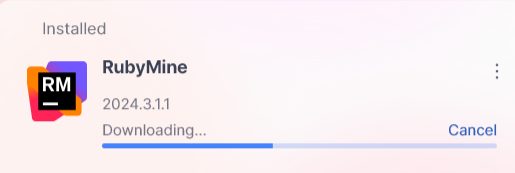
You can also use the standalone .exe installer from the RubyMine download page.
Step 3: Start RubyMine
Click the RubyMine entry in the Toolbox App, or use the Start menu. Sign in with a JetBrains account or start the trial.
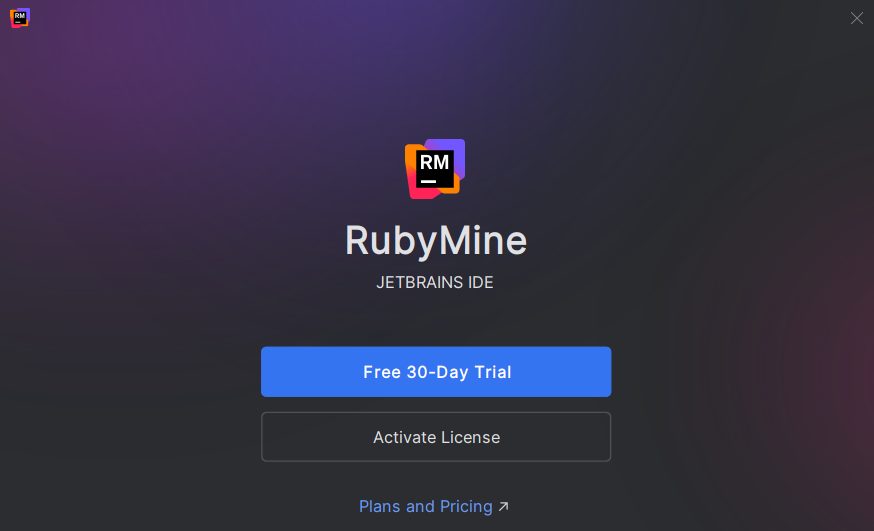
Step 4: First setup
- Import settings from an older installation, if you have one.
- Choose the theme and the key bindings you like.
- Install more plugins to extend what RubyMine does.
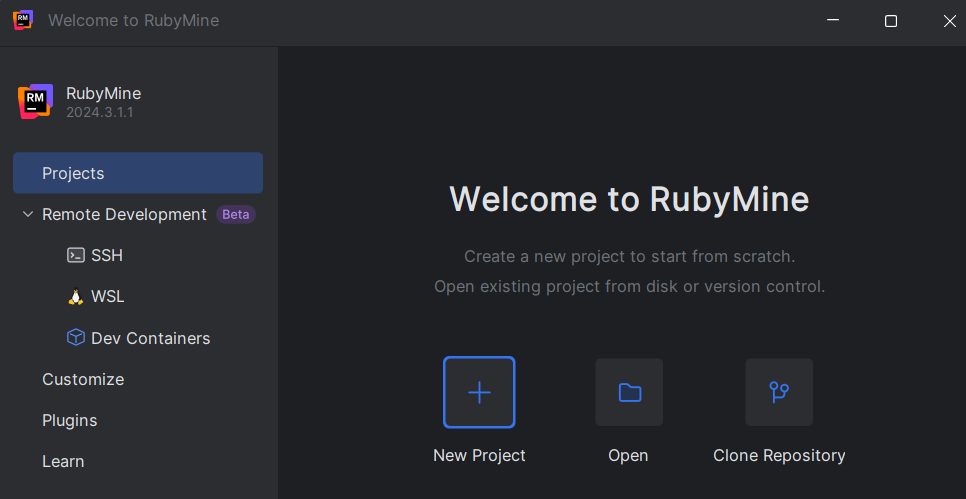
Create a project and select your Ruby interpreter under Settings, Languages & Frameworks, Ruby SDK and Gems.
Key features of RubyMine
- Smart code help. Completion, quick fixes and navigation.
- Strong debugging tools.
- Git and other version control built in.
- Test tools such as RSpec and Minitest.
- A customizable interface.
- Database tools.
Tips
- On Windows, add the project folder to your antivirus exclusions to avoid a slow indexing.
- Learn the keyboard shortcuts.
Shifttwice opens Search Everywhere. - Sync your settings between machines with your JetBrains account.
- Open the built-in tutorials from the welcome screen.
Quick recap
- Install Ruby, then the JetBrains Toolbox App.
- Install RubyMine from the Toolbox and start it.
- Select the Ruby SDK for your project.