

Download Sublime Text
- Open the official Sublime Text website in your browser.
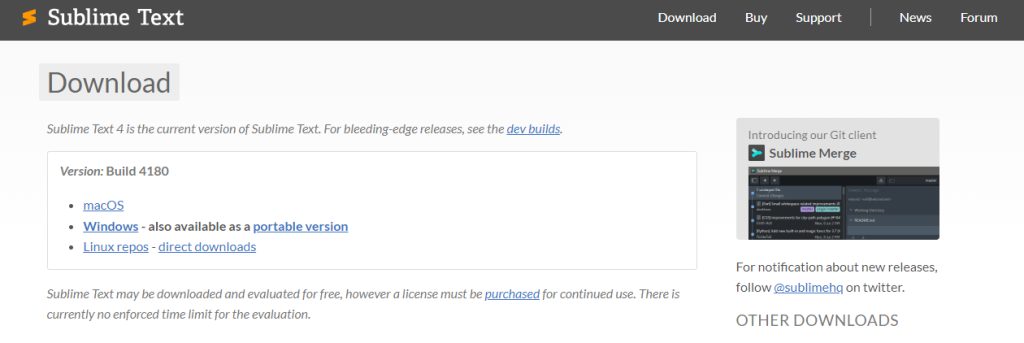
- On the download page pick the Windows version (64-bit for most PCs) and download the installer.
Install Sublime Text
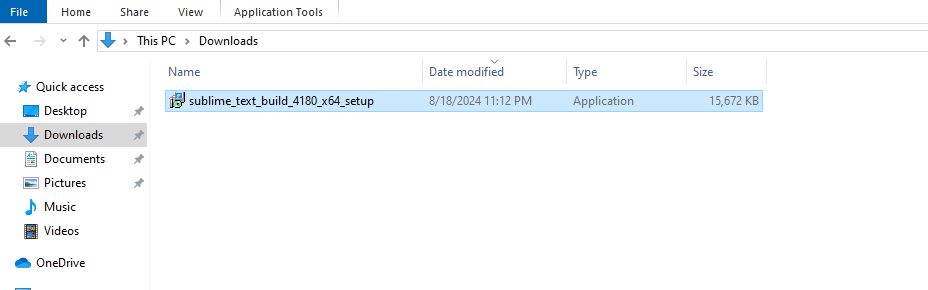
- Open the installer from your Downloads folder.
- Read the license agreement and click Next.
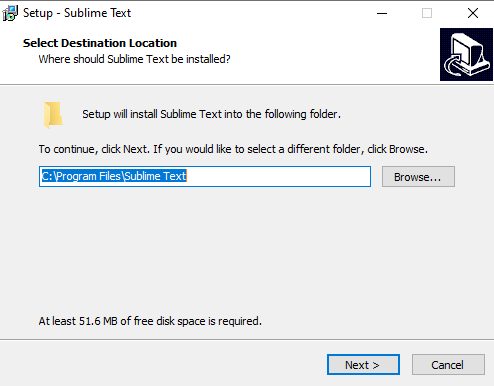
- Keep the default install folder or choose another one.
- Tick Create a desktop shortcut if you want one.
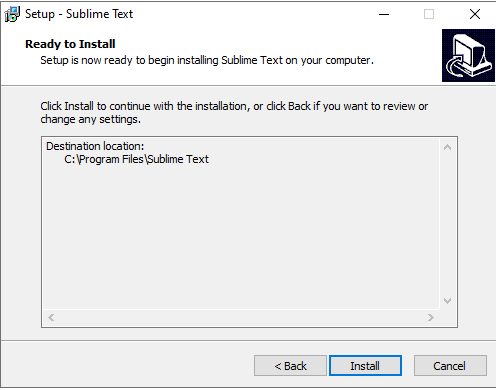
- Click Install.
- Click Finish when it is done.
Check the installation
- Open the Start menu and type
Sublime Text.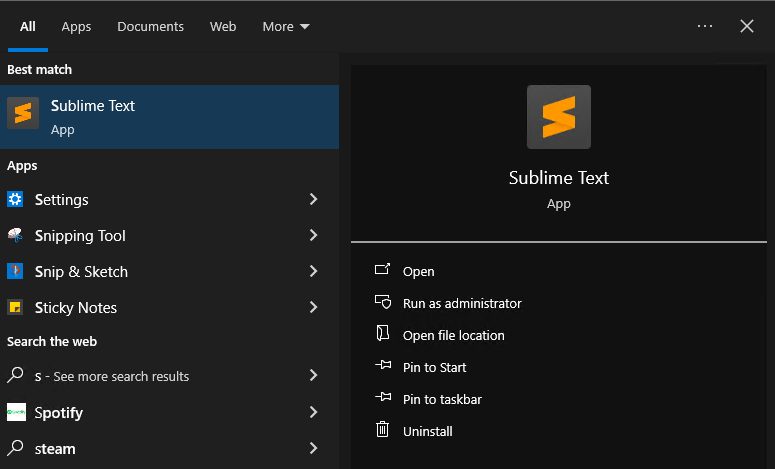
- Click the icon. The editor opens.
The interface
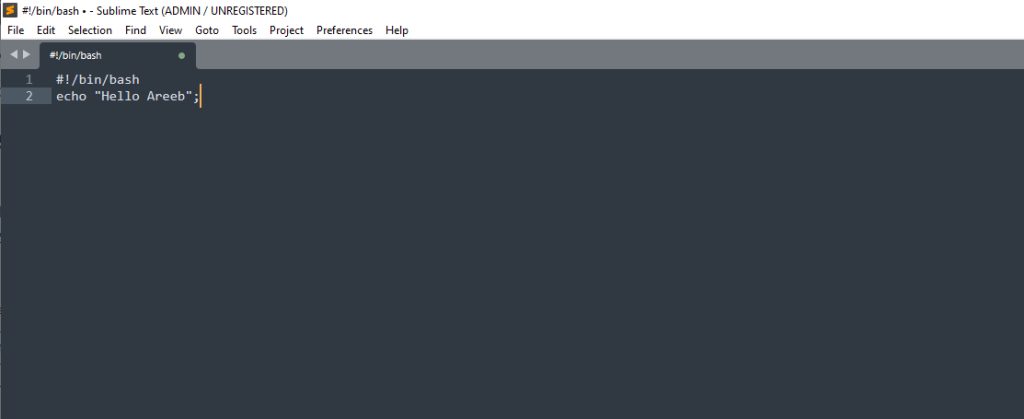
- Menu bar at the top has File, Edit, View and more.
- Side bar shows the files and folders of your project.
- Editor area is where you write code.
- Minimap on the right is a small preview of the whole file.
- Status bar at the bottom shows the syntax, line and column.
Quick recap
- Download, run the installer and click through the steps.
- Open it from the Start menu to check.