

System requirements
Hardware
- CPU: a modern multi-core processor.
- RAM: 8 GB at least, 16 GB or more is better.
- Storage: about 10 GB of free disk space.
- GPU (optional): a compatible NVIDIA GPU speeds up training. TensorFlow also runs on CPU only.
Software
- A 64-bit Python 3 version that TensorFlow supports. Check the TensorFlow site for the current range.
- pip, which comes with Python.
Step 1: Install Python
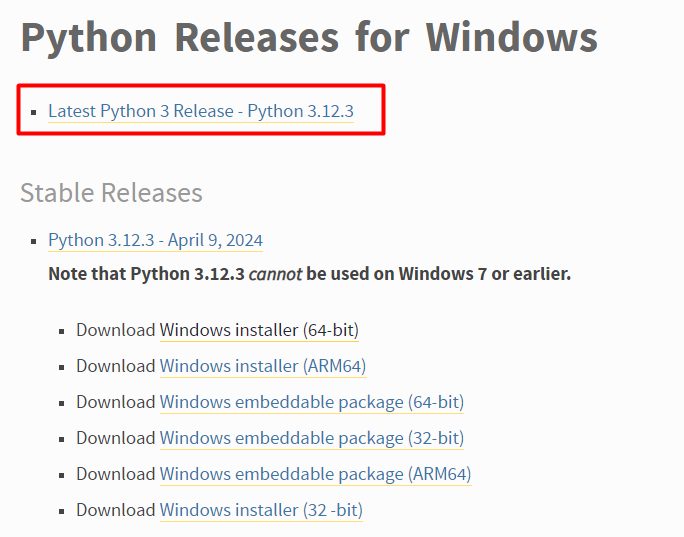
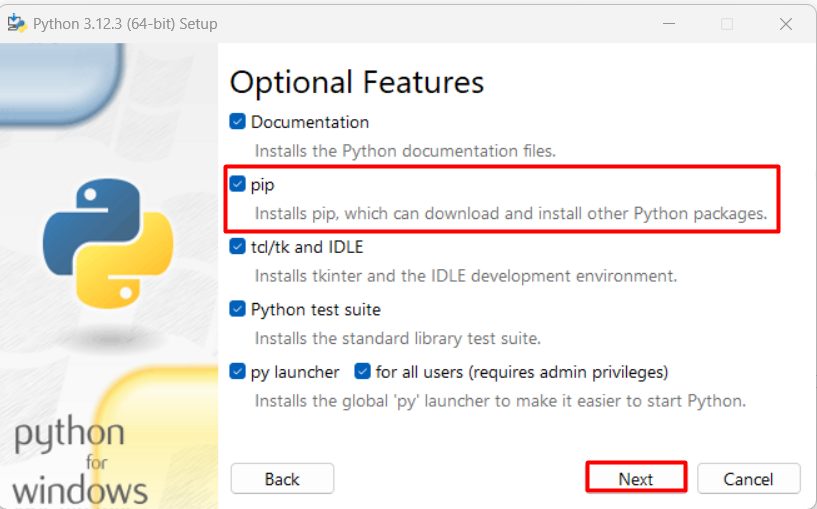
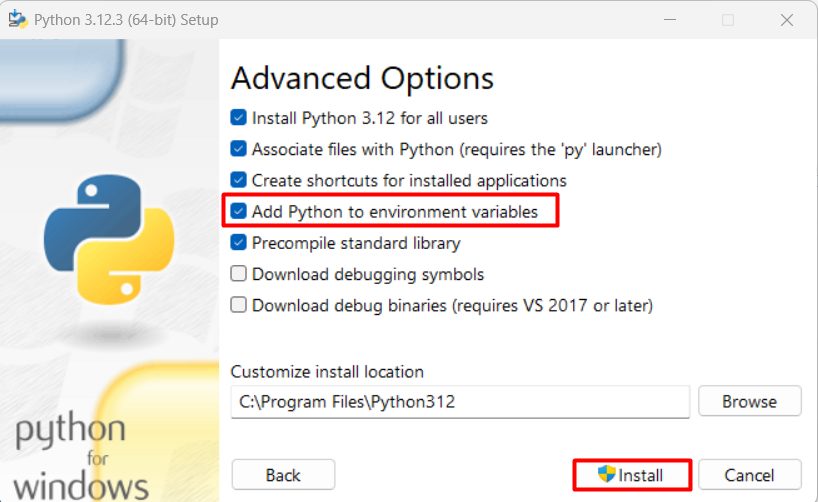
Download the Python installer for Windows from python.org and run it. Tick Add python.exe to PATH, then click Install Now.
Step 2: Check Python
python -V
Step 3: Install TensorFlow
pip install tensorflow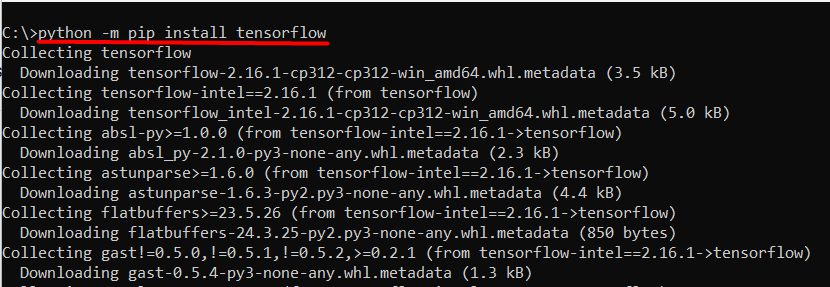
Step 4: Check TensorFlow
Run python, then:
import tensorflow as tf
print(tf.__version__)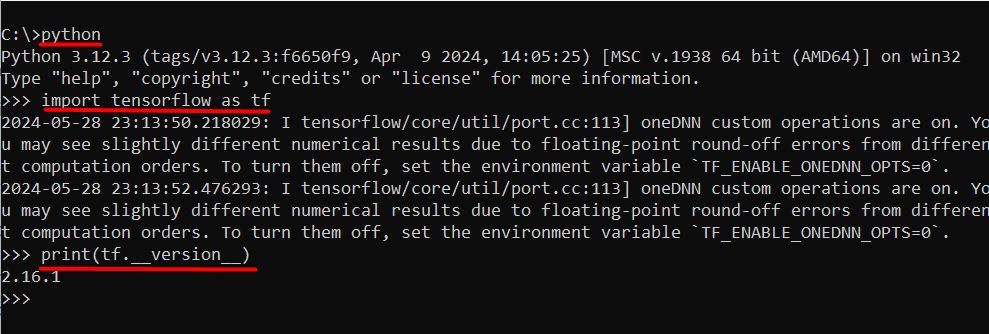
Tip: Use a virtual environment with
python -m venv tf-env and tf-env\Scripts\activate to keep your projects separate.Quick recap
- Install Python with PATH enabled.
- Run
pip install tensorflow. - Confirm with
tf.__version__.