

Step 1: Download the installer
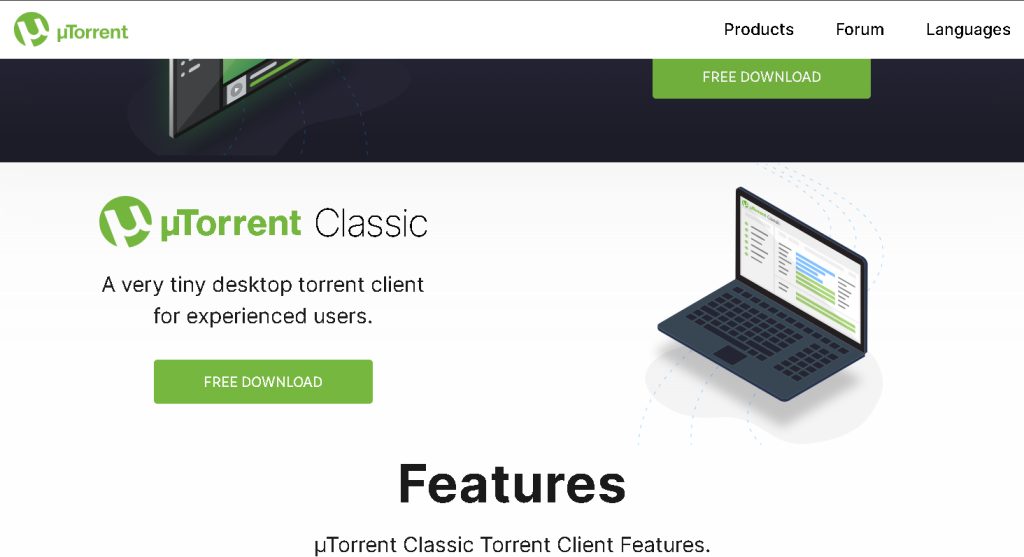
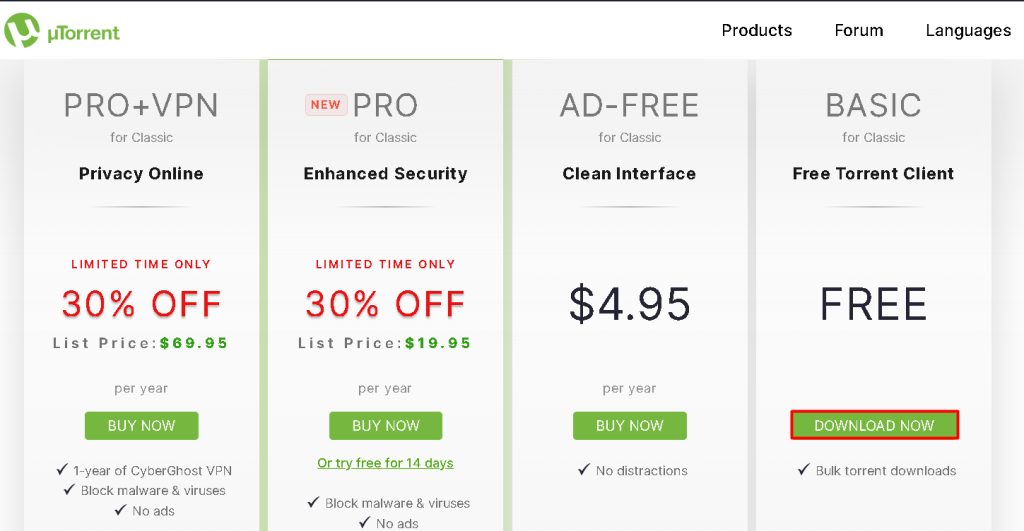
Go to the official uTorrent website and download the Windows installer.
Step 2: Run the installer
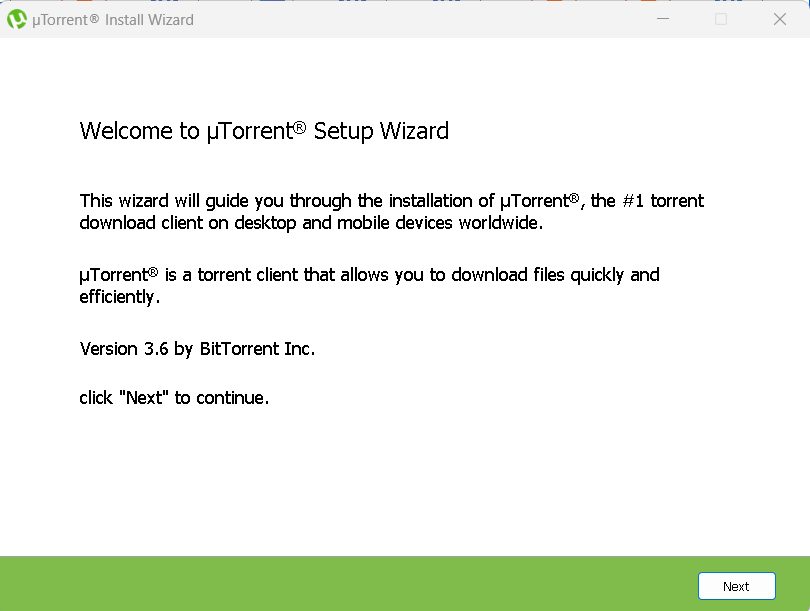
Open the downloaded file.
Step 3: Accept the license
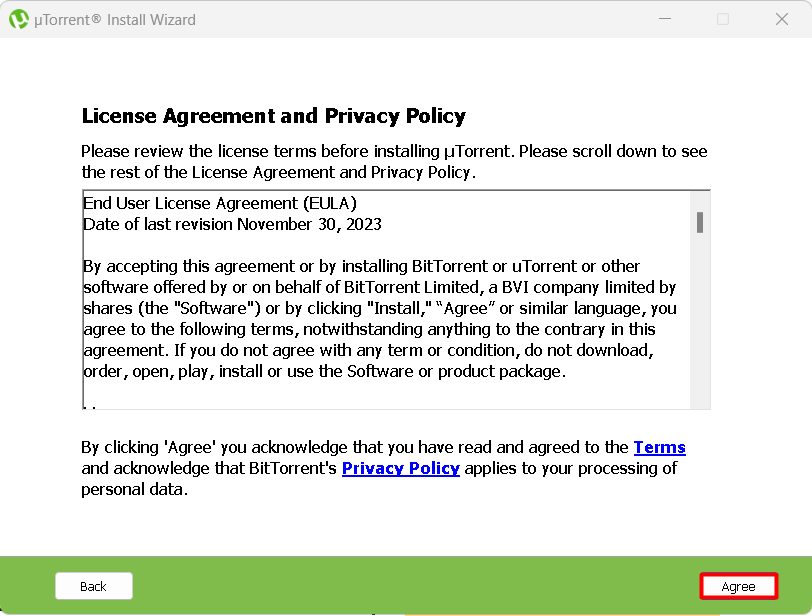
Read and accept the license agreement.
Step 4: Choose the options
Pick the install folder and decide about desktop and Start menu shortcuts. Read each screen and untick any extra offers you do not want.
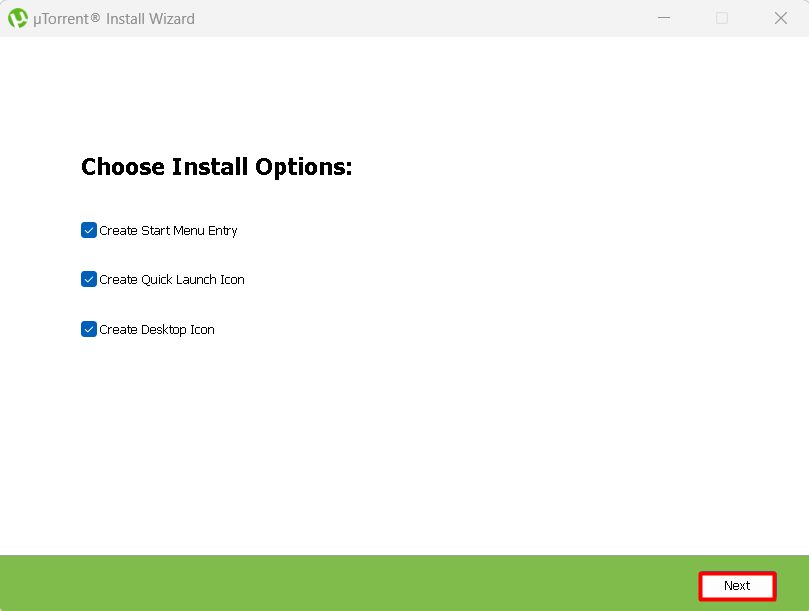
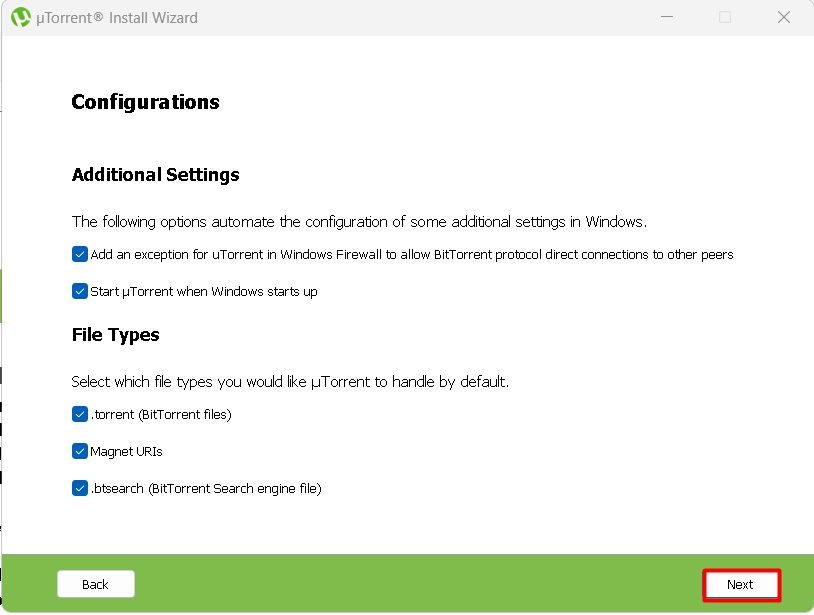
Step 5: Launch uTorrent
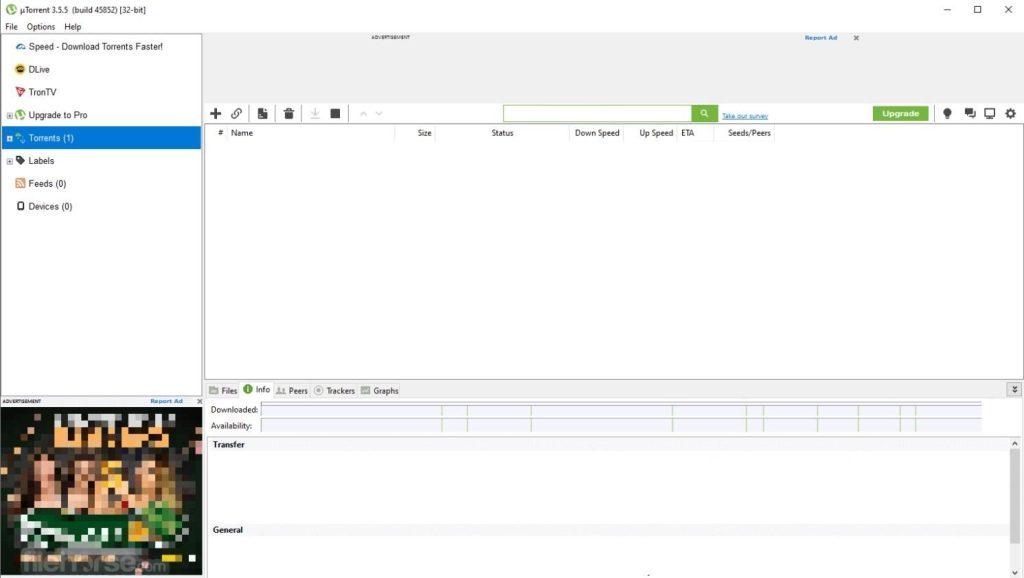
Click Finish. uTorrent opens and is ready to use.
Note: Download only content you have the right to download.
Features of uTorrent
- Light and fast. Uses little memory.
- Simple interface.
- Advanced options such as speed limits and scheduling.
- Media playback while downloading.
- Privacy settings.
- Customization, with themes and add-ons.
Quick recap
- Download, run the installer, accept the license and finish.