

Step 1: Download Winamp
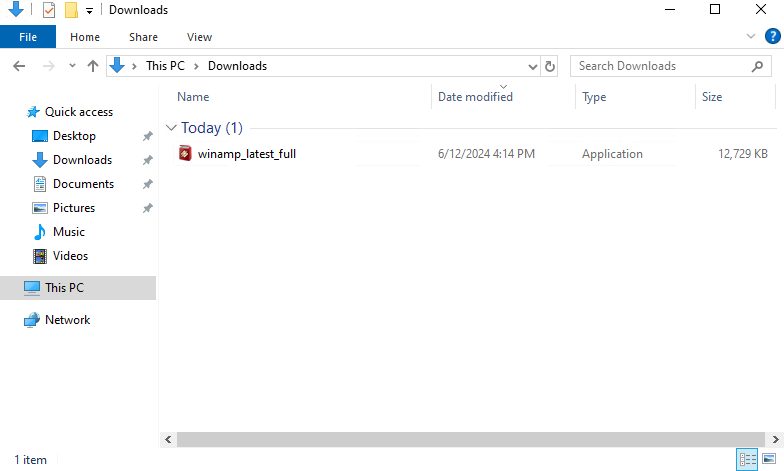
Download the Winamp installer from the official Winamp website.
Step 2: Run the installer
Open the downloaded file.
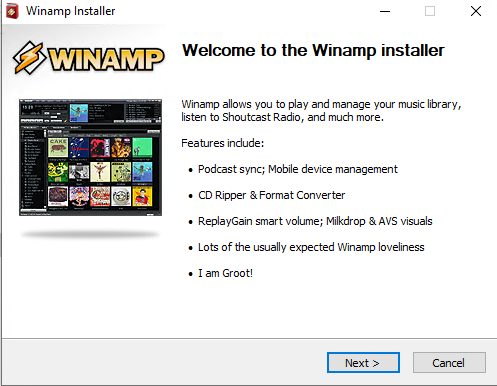
Step 3: Follow the wizard
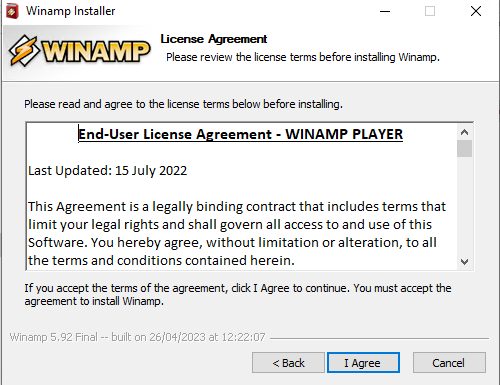
- Read and accept the license agreement.
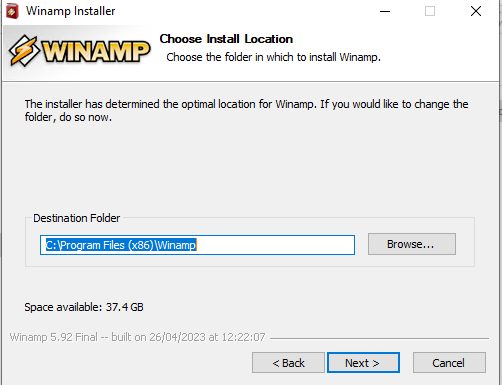
- Choose the install folder.
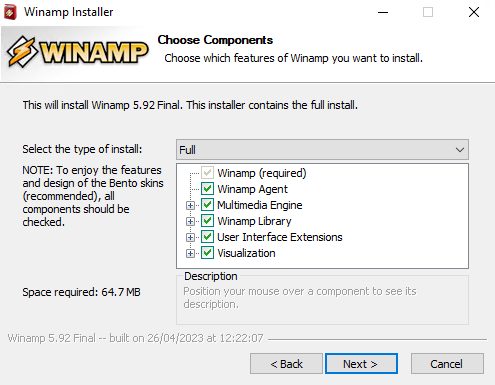
- Select the components you want.
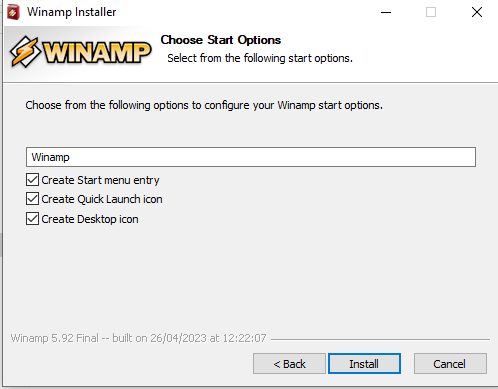
- Choose the shortcuts for the desktop and Start menu.
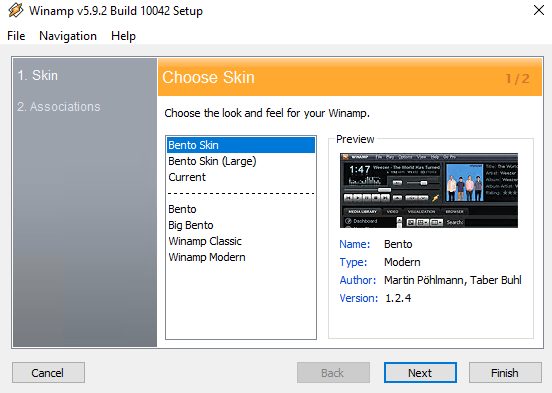
- Pick a skin, which changes how Winamp looks.
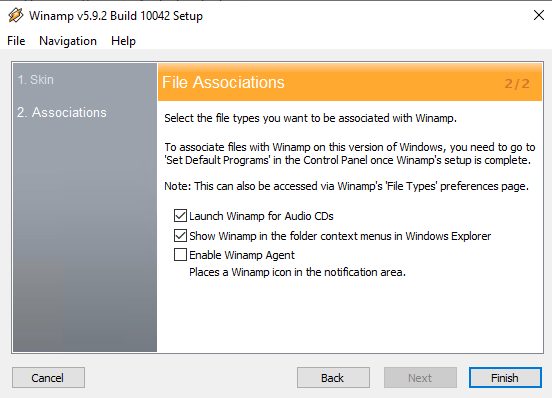
- Select the file types Winamp should open.
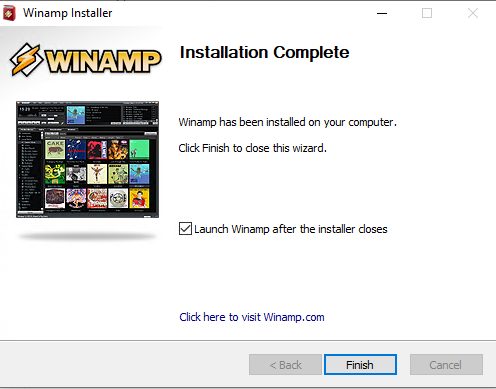
- Click Install and wait.
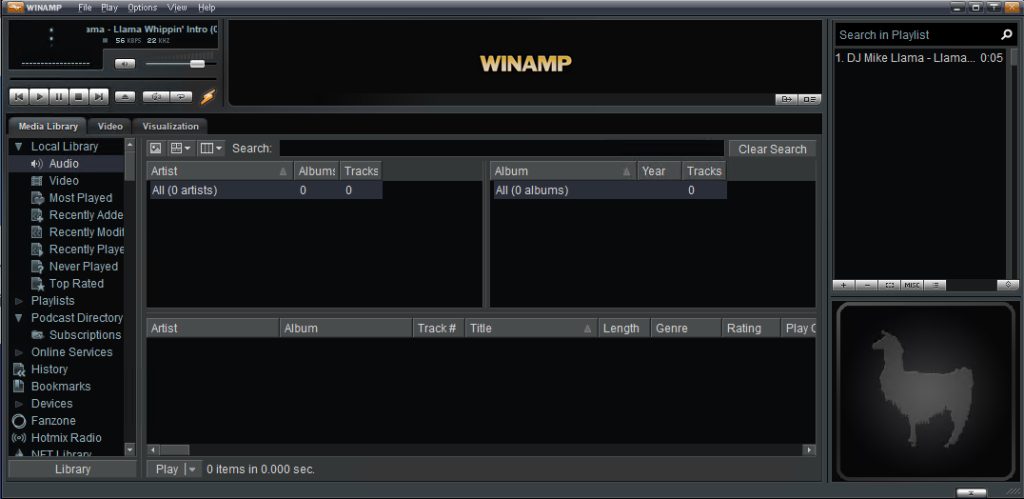
Start Winamp
Open Winamp from the Start menu. Drag music files into the window or use the eject button to open files.
Quick recap
- Download, run the setup, choose components and file types.