

Step 1: Install the JDK
React Native for Android needs a Java Development Kit (JDK), version 17 for current releases. Download and install it (for example the Microsoft Build of OpenJDK or Temurin).
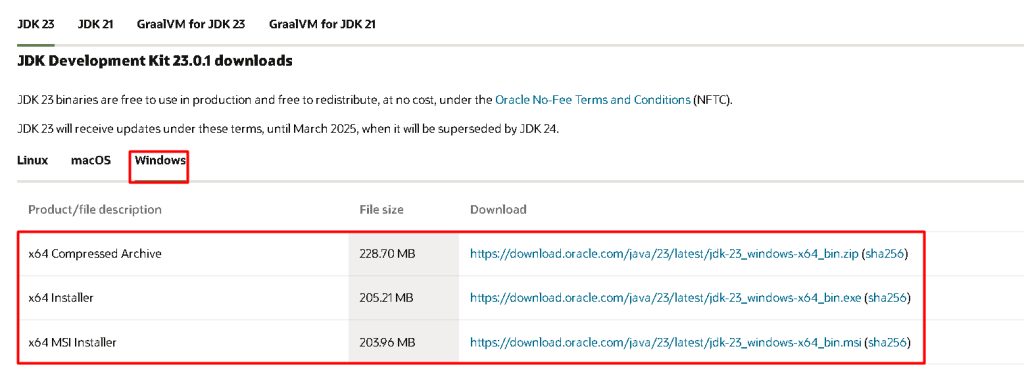
Check it:
java -version
Step 2: Install Node.js and npm
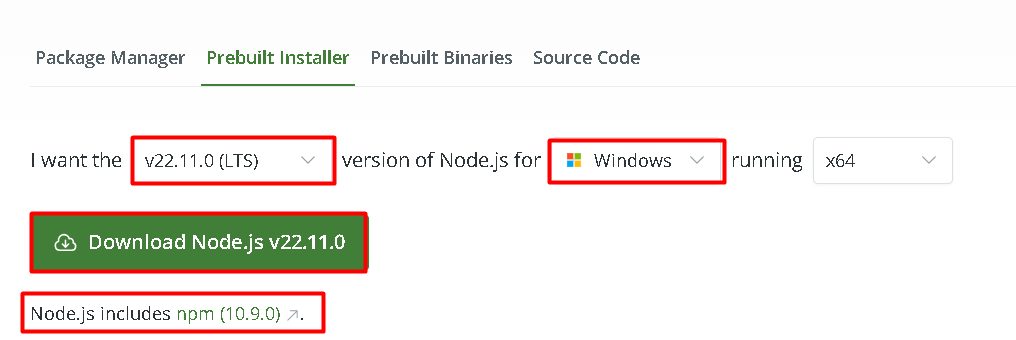
Download the LTS version from nodejs.org and run the installer.
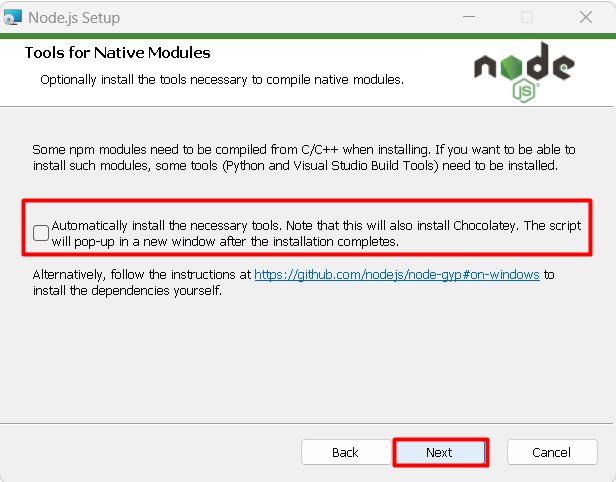
During setup you can tick the option to install the tools needed for native modules (Python and Visual Studio Build Tools).
Check:
node -v
npm -v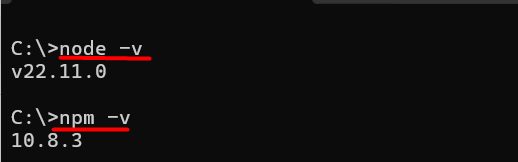
Step 3: Install React Native tooling
The old global react-native-cli is deprecated. The current way is to run the CLI with npx, and no global install is needed. If your guide asks for the old CLI:
npm install -g react-native-cli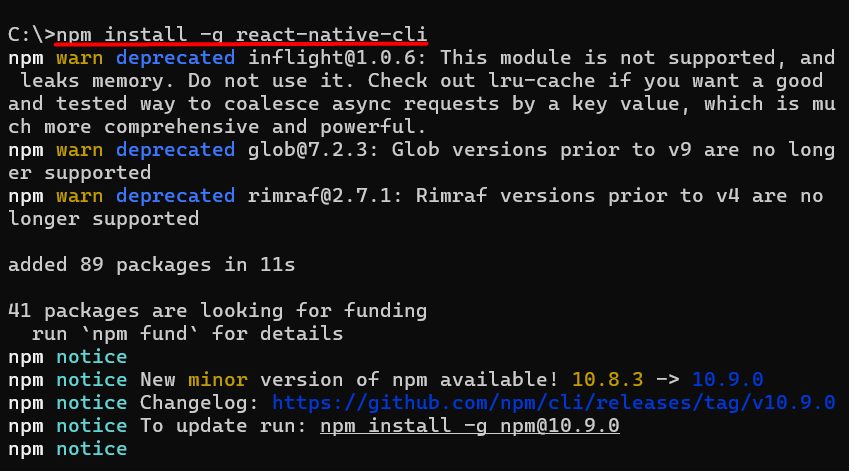
Step 4: Create a project
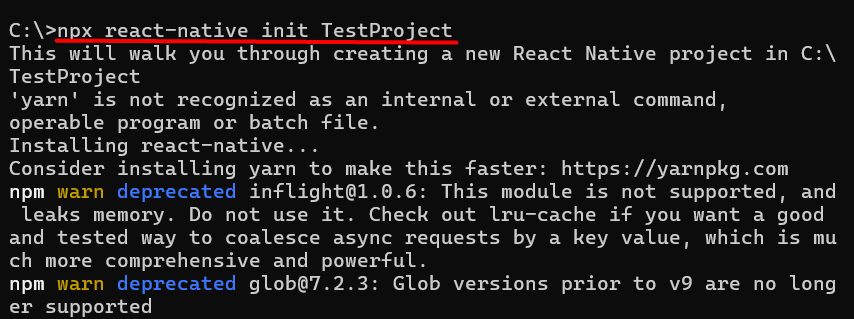
npx @react-native-community/cli init Testproject(The old command npx react-native init Testproject no longer works on new versions.)
Step 5: Set up Android
- Install Android Studio. During setup tick Android SDK, Android SDK Platform and Android Virtual Device.
- Set the environment variable
ANDROID_HOMEto the SDK folder (usuallyC:\Users\<you>\AppData\Local\Android\Sdk). - Add
%ANDROID_HOME%\platform-toolsto thePathvariable. - Create an emulator in the Device Manager, or connect a phone with USB debugging turned on.
Step 6: Run the app
cd Testproject
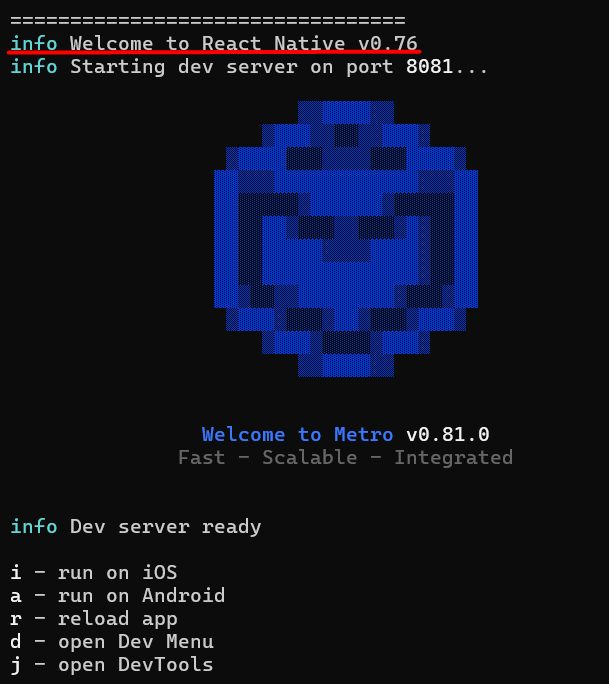
npx react-native start
In a second terminal:
npx react-native run-androidThe default screen "Welcome to React Native" appears on the emulator or phone.
Quick recap
- Install the JDK, Node.js and Android Studio.
- Create a project with the community CLI and run it with
run-android.