

Why add a table of contents
- It splits a long post into easy parts.
- Readers find what they want fast, so fewer leave.
- Search engines like clear headings, and a list of links can show under your result in search.
- Visitors on phones can jump straight to a section.
Method 1: Use a plugin
Popular plugins are Easy Table of Contents, Table of Contents Plus and LuckyWP Table of Contents.
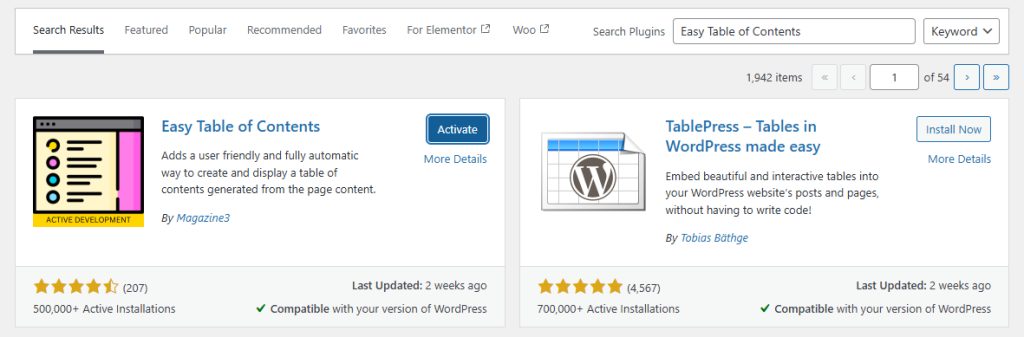
- Go to Plugins, then Add New. Search for the plugin, install it and activate it.
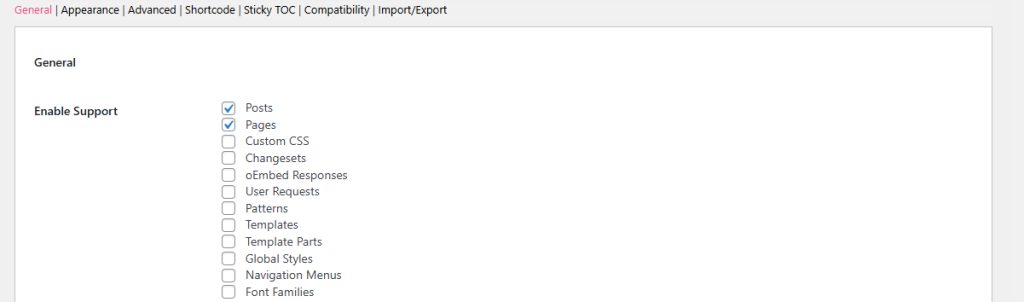
- Go to Settings, then Table of Contents. Choose where the list appears, the minimum number of headings and the design.
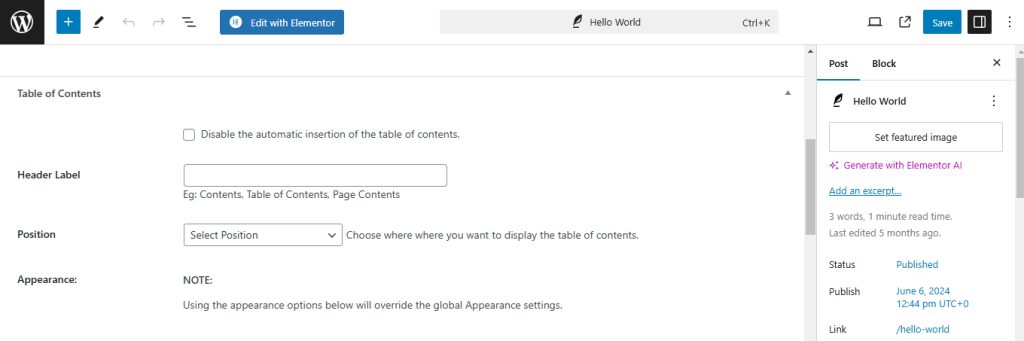
- When you edit a post or page, a new option lets you insert or hide the table of contents.
Method 2: Use HTML and CSS
You do not need a plugin.
- At the top of your post, add a list of links:
<div id="toc">
  <h2>Table of Contents</h2>
  <ul>
    <li><a href="#section1">Section 1</a></li>
    <li><a href="#section2">Section 2</a></li>
    <li><a href="#section3">Section 3</a></li>
  </ul>
</div>- Give every heading an
idthat matches the links:
<h3 id="section1">Section 1</h3>
<p>Your content here...</p>
<h3 id="section2">Section 2</h3>
<p>Your content here...</p>
<h3 id="section3">Section 3</h3>
<p>Your content here...</p>- To style it, go to Appearance, then Customize, then Additional CSS:
#toc {
  background: #f9f9f9;
  padding: 10px;
  border: 1px solid #ddd;
}
#toc ul {
  list-style-type: none;
  padding-left: 0;
}
#toc ul li {
  margin: 5px 0;
}
Method 3: Use a page builder
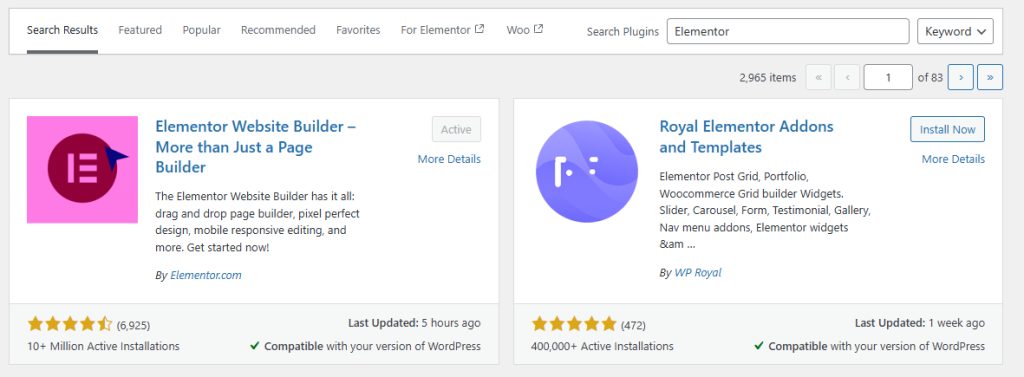
Page builders such as Elementor (Pro) and Divi have a table of contents widget.
- Install and activate the page builder.
- Edit the page. Drag the Table of Contents widget into place.
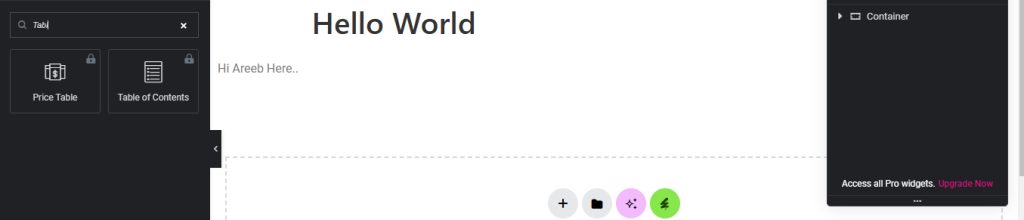
- Choose which headings to include and set the style.
Quick recap
- A plugin is the easiest way and builds the list for you.
- HTML links with matching
idvalues work without a plugin. - Page builders add a table of contents widget.